
5 Best Yearbook Makers for PTA Parents and First-Time Advisers (2026)
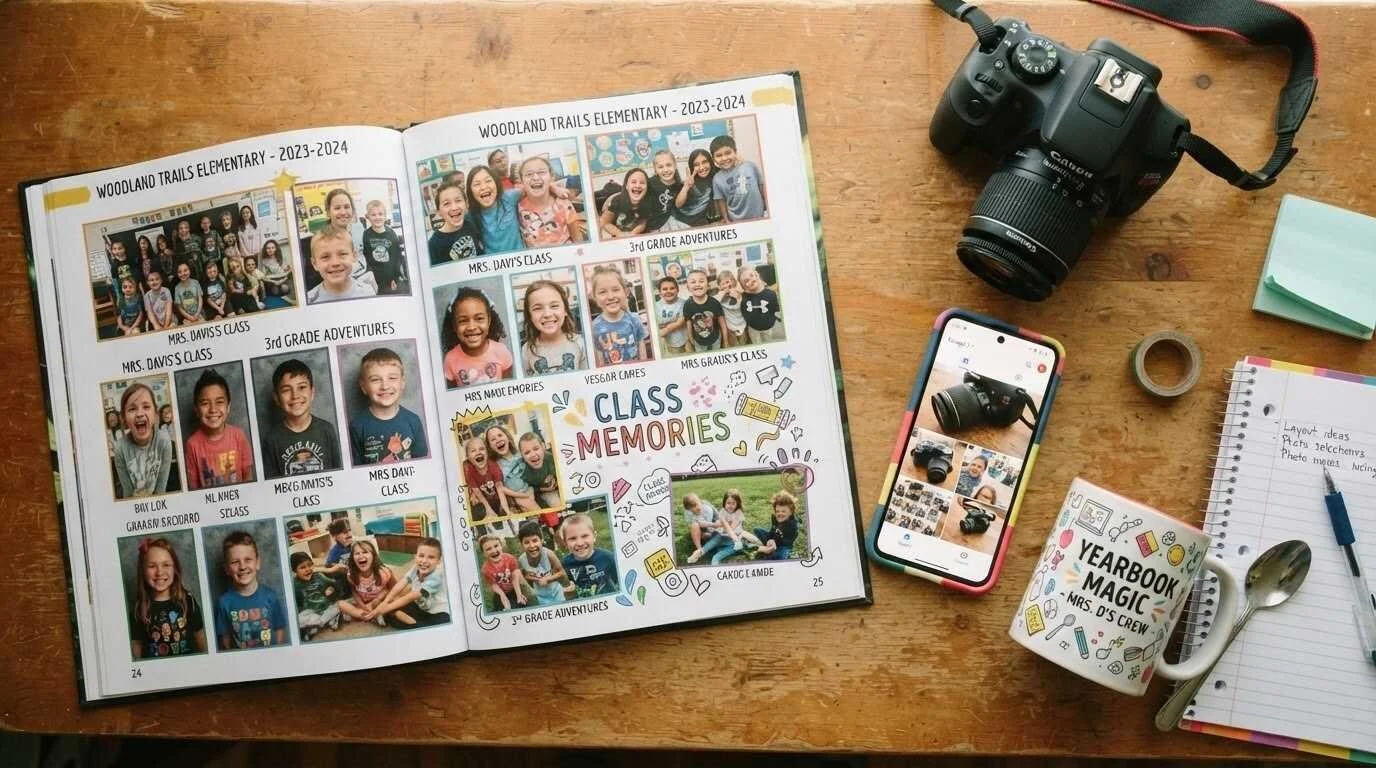
Somebody raised their hand at the September PTA meeting, and now the yearbook is yours. Nobody handed you a manual, half the photos live on other parents' phones, and the words "minimum order" are about to become very important to you. The good news is that the right platform removes most of the pain. Here are the five yearbook makers worth your time this school year and how to tell which one fits your school.
What actually matters when you are the one holding the binder:
Yearbook company marketing tends to lead with themes and stickers. Those are the least of your problems. The things that sink a volunteer-run book are almost always logistical, and they show up in the fine print.
Minimum orders are the first one. Traditional publishers built their pricing around offset printing, which means the school commits to a print run before a single parent has bought a copy. If you order 200 and sell 140, the PTA eats the difference. Print-on-demand companies have no such requirement, which matters enormously when your enrollment is 180 kids and your treasurer is already nervous.
Then there is the contract question. Some companies want a signed agreement in the fall with a locked submission date in February. That is fine for a high school with a journalism class and a paid adviser. It is a trap for a parent committee that meets twice a month and loses two volunteers to a job change in January.
The rest of the checklist is shorter than you would think:
Can more than one person work on the book, and can you limit what each of them can touch?
Where do parent photo submissions land, and does the platform sort them for you?
Who collects the money, and does it flow to the school or through your personal Venmo?
What is the real turnaround between submission and books in hand?
Is there a human you can email in April when a spread will not print correctly?
Money deserves a note of its own. If the yearbook doubles as a fundraiser for your parent group, National PTA's guidance on running fundraisers is worth reading before you set a price, because how you handle the proceeds affects your group's nonprofit standing more than most volunteers realize.
1. Mixbook
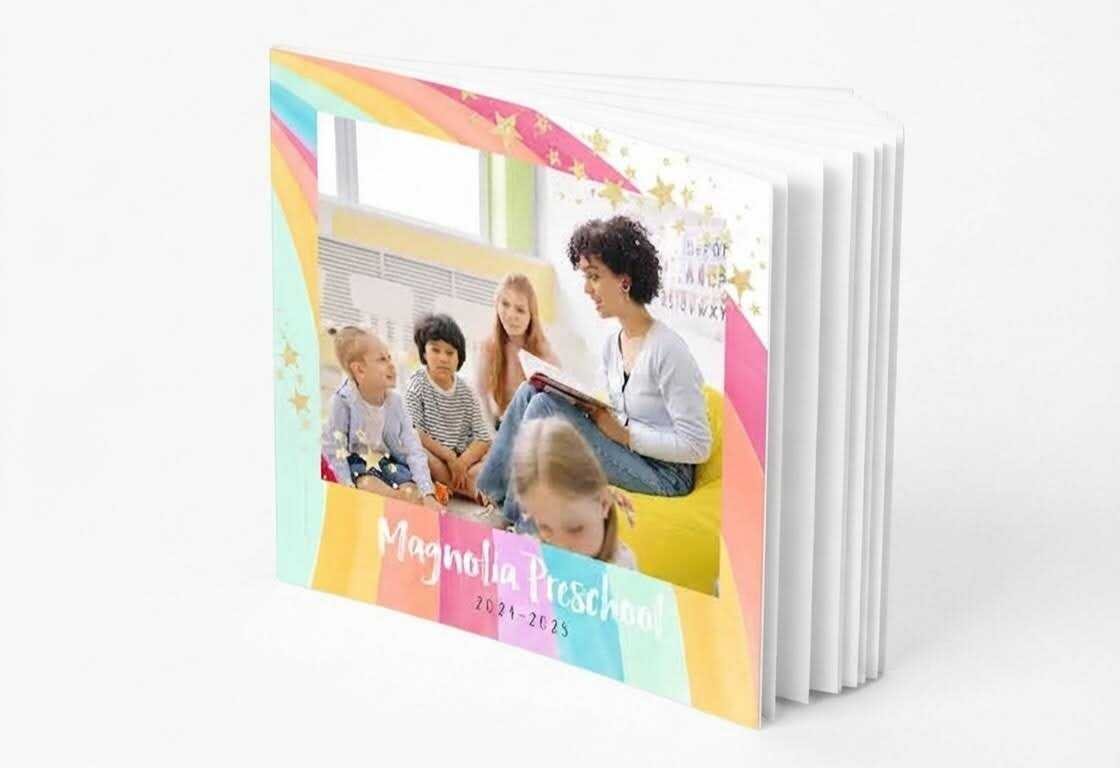
Mixbook comes at yearbooks from the photo book side rather than the school publishing side, and for a PTA team, that turns out to be the advantage. The editor is the same drag-and-drop studio people use to make family albums, which means the parent who volunteered because she is "good with computers" can actually be good with this in about twenty minutes. There are 78 school themes, all of them fully customizable down to school colors and logo, and a Blank Canvas option if your art teacher has opinions.
The operational details are where it earns the top spot. There are no contracts and no minimum print run. Templates and design tools are free. Books arrive in two weeks or less, with free standard shipping on orders of ten or more, which is a genuine relief when your submission slips past spring break. Books can run up to 400 pages, and 8.5x11 is the size most schools land on.
Two features specifically solve volunteer problems. Collaboration tools let you pull other parents into the project so the fourth-grade spread is not sitting in one person's account while she is on vacation. And the School Dashboard handles parent preorders and payment collection with real-time tracking, so you are not reconciling a shoebox of checks against a class list in May. Because there is no committed print run and no locked submission date, Mixbook yearbooks can be built section by section across the school year rather than in one panicked weekend, and the company will quote your school directly if you want a bulk discount and a dedicated rep.
The tradeoff: this is not built for a 400-student high school with sports, clubs, an ad program and a student staff of thirty. For that, keep reading.
2. TreeRing
TreeRing's signature feature is two free custom pages for every student. Each family logs in, drops in their own photos of the science fair and the soccer season, and those pages print only in their copy. It solves the oldest complaint in elementary yearbooks, which is that the same twelve photogenic kids appear on every spread.
Collecting photos is simple too. The yearbook design software also handles the photo collection problem well. Shared photo folders pull directly from Google Photos, Google Drive, Dropbox, Facebook and Instagram, with unlimited storage, so parents can contribute from the pickup line. Editor permissions are tiered, meaning you can give a room parent access to her class spread and nothing else.
There are no minimum orders, books are printed on demand, and the company plants a tree for every yearbook sold, which plays well in a school newsletter. The interface is a little more school-specific than Mixbook's, so it takes slightly longer to get comfortable, but the payoff is better team management.
3. Picaboo Yearbooks
Picaboo sits in the middle, with school-specific tooling but none of the volume pressure. Its browser-based yearbook editor costs nothing to use and includes an online store so parents buy directly, plus an ad builder that lets families design and submit their own dedication ads without you rebuilding each one by hand. That single feature saves a stunning amount of email.
There is no minimum order, so a cheer squad of fifteen and a K-8 of three hundred can both use it without waste. Teams collaborate in the cloud, so the sports section and the events section can be split between two parents working simultaneously. If your group is small, awkwardly shaped or not technically a school at all, this is usually the easiest, yes.
4. Jostens
Jostens has been in this business for decades, and it shows in the parts of the process that a big school actually needs: professional portrait integration, index generation, ad sales support, and a rep who visits in person. If your school has run a yearbook class for fifteen years and the previous adviser left a filing cabinet of workflows, switching away from a legacy publisher creates more problems than it solves.
For a PTA committee at a 200-student elementary school, it is overkill. The design software is powerful and correspondingly more complex, deadlines are firmer, and the pricing model assumes volume. Ask for the full quote in writing, including any minimum commitment, before you sign anything in October.
5. Canva
Canva is not a yearbook company. It is a design tool with free yearbook templates, and you handle printing yourself through a local print shop or an online printer. For a kindergarten memory book or a 24-page classroom project, that is genuinely fine, and the price is hard to argue with.
Where it breaks down is everything a school-specific platform does for you: no photo collection system, no preorder store, no payment tracking, no index, and no support line in April. If you go this route, decide who prints the book before you design a single page, because paper sizes and bleed settings are not something you want to discover at the end.
Photo permissions: the part nobody warns you about
This is the section every first-time adviser wishes someone had handed them in September.
Student photos are not automatically yours to publish. Under FERPA, a photo can qualify as an education record depending on whether it is directly related to a student and maintained by the school, and the U.S. Department of Education's FAQ on photos and videos walks through where the line falls. Many schools designate yearbook photos as directory information with an annual parent opt-out, but you need to actually get the opt-out list from the office before layout begins, not after. Nothing derails a book faster than discovering in April that three kids cannot appear in it.
Copyright is the second trap. Song lyrics, movie quotes and downloaded images are not free to reprint because the book is for a school. The Student Press Law Center's yearbook toolkit covers copyright, permissions and the recurring questions advisers ask, and it is written for people who are not lawyers.
Two practical rules that will save you: get the opt-out list in writing, and keep a simple spreadsheet noting who supplied each submitted photo.
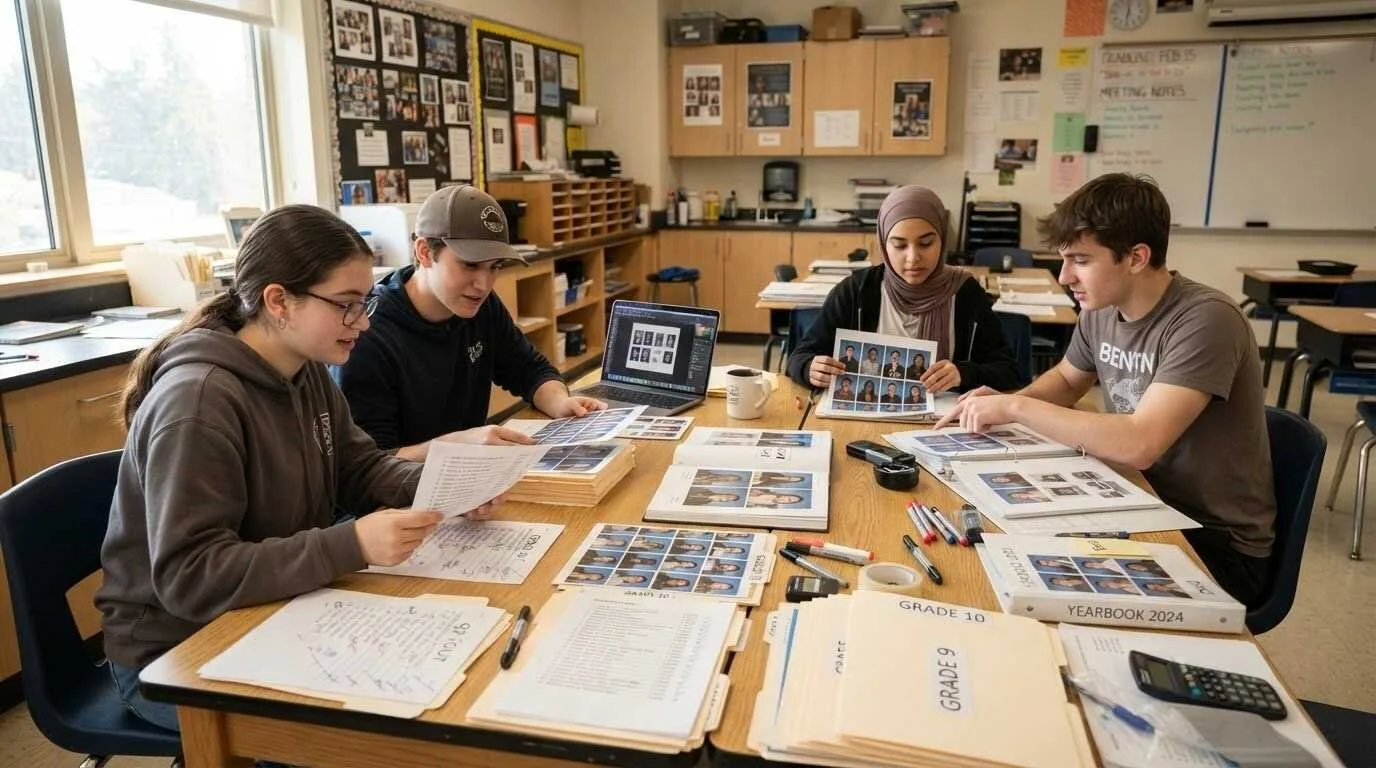
A realistic timeline for a volunteer team
Professional advisers work backwards from a February deadline. Parent committees should work backwards from the last week of school, then subtract more than feels necessary.
September: pick your platform, get the quote, confirm the opt-out list, and set the price.
October to February: collect photos continuously. This is the whole ballgame.
February: assign spreads. One parent per section, with a name attached to each page.
March: open parent preorders and start the reminder emails.
April: layout, proofing, and a second set of eyes on every name spelling.
Early May: submit. With a two-week production window, you still have breathing room.
The collection phase is where books are won or lost. Set up the shared folder in week one and remind parents at every single event, because photos that nobody uploads do not exist. The class party, the walking field trip, and the science fair table with the volcano that did not work: those are the pages kids actually stop on.
If your committee is short on ideas for what to document, the seasonal outings in this guide to family-friendly things to do around Sacramento map neatly onto the field trips most local elementary schools run anyway.

What first-time advisers get wrong
A few patterns repeat every year.
Waiting until spring to collect photos. By March, the fall events are gone and nobody photographed the Halloween parade. Collecting is only half of it, though. The labeling and storage habits laid out in this guide to organizing and storing printed photos work just as well on the digital pile a yearbook committee inherits, and a folder structure set up in October saves hours of hunting in April.
Letting one person own the whole book can lead to problems. When that person's work travel picks up in March, the project stops. Split it by section from the start.
Pricing to break even. If the yearbook is also a fundraiser, decide that in September and price accordingly, rather than discovering in May that you cleared eleven dollars.
Skipping the name check. Misspelled names generate more complaints than any design flaw. Have someone who is not on the committee read every name against the class roster.
Ordering extras without checking whether you need them. On a print-on-demand platform, you do not need to. On a traditional one, unsold copies come out of the PTA budget.
Frequently Asked Questions
How much does a school yearbook cost per copy?
It depends on page count, cover type and how many you order. Softcover books with fewer pages sit at the low end, while hardcover books with 60 or more pages cost noticeably more. Get written quotes from two companies at your realistic page count before setting the parent price.
Do I need a minimum order to make a school yearbook?
Not with print-on-demand companies. Mixbook, TreeRing and Picaboo Yearbooks all print the number of books actually purchased. Traditional publishers often require a committed print run, so ask directly and get the answer in writing.
How long does it take to get yearbooks printed and delivered?
Fast turnarounds are now standard among the print-on-demand platforms. Mixbook delivers in two weeks or less with standard shipping. Traditional publishers usually work on a longer production calendar with earlier submission deadlines, so confirm both dates before you commit.
Can parents help design the yearbook remotely?
Yes. Mixbook, TreeRing and Picaboo Yearbooks all support cloud collaboration, and TreeRing lets you restrict what each editor can access. Assign one parent per section so responsibilities are clear and nobody overwrites anyone else's work.
What is the best yearbook maker for an elementary school PTA?
For a parent-run elementary book, prioritize no minimum order, free design software, collaboration and built-in preorder collection. Mixbook covers all four and is the easiest for non-designers, with TreeRing close behind if per-student custom pages matter to your community.
Do we need parent permission to put a child's photo in the yearbook?
Usually the school handles this through a directory information notice with an annual opt-out, but you must get the current opt-out list from the front office before layout starts. Never assume last year's list is accurate. Confirm the school's policy in writing.
How many pages should a school yearbook be?
Small elementary books commonly run 24 to 40 pages, while larger schools with sports and clubs run 60 to 100 or more. Start from a template, map your sections, then adjust. Page count drives price, so decide this before quoting parents.
Can we use song lyrics or movie quotes on yearbook pages?
Not freely. Lyrics and published quotes are copyrighted, and school use does not automatically make reprinting them permissible. Stick to student-written captions and quotes from your own school community, which read better anyway.
When should we start the yearbook?
September. Not for design, but for photo collection and platform selection. Committees that start collecting in the first month finish comfortably. Committees that start in February spend spring chasing images that no longer exist.
How do we collect payments from parents?
The simplest option is a platform with a built-in store, so parents preorder online and you track sales in real time. Mixbook and Picaboo Yearbooks both offer this. Avoid personal payment apps, since your treasurer needs a clean record for the books.
Is a DIY yearbook worth it to save money?
For a single classroom book, yes. For a whole school, the savings rarely justify the work, since you take on photo collection, payment handling, printing and quality control yourself. The free tools from school-specific platforms usually cost nothing anyway.
The yearbook is not the disaster it feels like in September. Most of the stress comes from two decisions made early: which platform you commit to and how soon you start collecting photos. Get those right and the rest is mostly steady work in twenty-minute increments. Pick the tool that matches your school's actual size and volunteer bandwidth rather than the one with the fanciest feature list, put a name on every section, and you will hand out a book in May that kids keep for thirty years.