
How to Use Your iPad as the Perfect Travel Companion?
iPad is a great compromise between mobility and productivity; it can certainly be your travel companion you never knew you needed. Many people treat it like a secondary device, although it quietly handles reading, navigation, video calls, and a surprising amount of work on the road. Some travelers even call it the best tablet for travel, which doesn’t sound far-fetched after a hectic airport day. We found several creative ways you can use an iPad while traveling, and some of them might surprise you.
Why Should I Bring My IPad on Vacation
Most people tend to overlook the iPad entirely, not just travelers. They buy an iPhone as the default everyday device and jump straight to a MacBook when they want power or productivity. iPad sits in the middle of the lineup, familiar but rarely considered necessary if you don’t work in the creative field. Even though it shares the same ecosystem and often delivers more convenience than either of the “main” products.
Once you start thinking about what you actually carry on a trip and what you really need during long transit hours, the picture changes fast.
Here’s why bringing it makes sense:
The iPad weighs far less than any laptop, and it fits inside smaller bags, which helps you avoid lugging a full laptop through airports or crowded streets. The size makes a difference when you rush between gates or try to keep tech safe in tight spaces.
Productivity is quite important for a lot of people too. Apple loads the newest iPad Air and iPad Pro with the same class of chips that MacBooks rely on, and that raw power shows up when you edit photos, sketch architecture ideas, or run heavier work apps that used to feel like a laptop only.
Bigger screens help a lot. Reading on a phone gets annoying fast during long flights, and movies look cramped on those tiny panels. An iPad offers a much more relaxed view for books, comics, streaming services, and travel guides that show small text and maps. The difference seems minor on paper, yet after a few hours of reading on a larger screen, you wonder why you tortured your eyes for so long.
Battery life deserves its own moment. Phones drain quickly when you bounce between GPS and social media. Nobody wants a dead phone the moment you need directions in a new city or to pay your restaurant bill. The iPad carries enough battery to absorb most of the entertainment and planning tasks, so your main phone stays fresh.
Taken together, these advantages make the iPad an easy choice when you want something practical and capable during any trip.
What You Can Use an iPad For While Traveling
Now let’s move on and look at the real reason most people bring an iPad on the road. In this section, we show how the tablet fits into navigation, entertainment, work, creativity, iPad data recovery, and even family travel, and we highlight the specific apps that make those moments easier.
We also understand that installing new apps can eat up storage fast, especially if you download offline maps. If you ever run low, you can always get more storage on iPad by cleaning up old files.
With that in mind, here is how to travel with iPad:
1. Navigation & Travel Planning
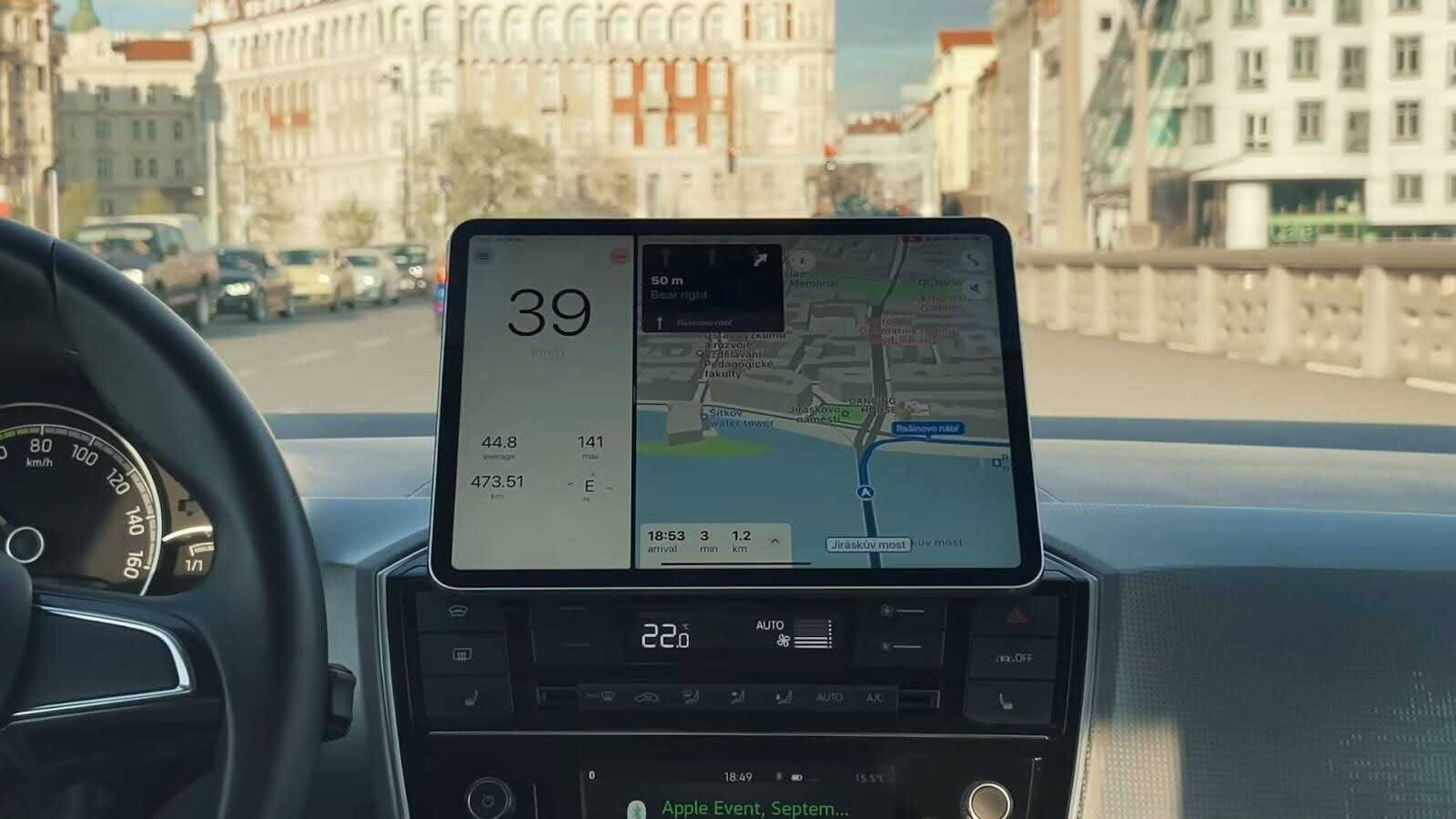
Travel apps behave differently on a larger display, so routes on an iPad feel calmer and less cramped. Google Maps and Apple Maps can give you city directions and transit steps with fewer micro-taps than a phone. Rome2Rio covers long-distance routes across trains, buses, ferries, and flights, which helps when you compare price and travel time in one sweep. TripIt stores bookings and hotel details inside a single itinerary, so you don’t dig through email threads at the worst moment.
When you sit in a new city with limited data, the iPad’s bigger screen gives you room to plan multiple stops and check reviews without losing context. Some travelers prefer Maps.me for offline-first routing, and we recommend downloading local packs the night before departure. It saves battery on your phone, keeps navigation fluid, and makes spontaneous detours easier.
For trips where you need reliable mobile data beyond offline maps, SIMOVO offers affordable eSIM plans that help you stay connected without relying on public WiFi or paying expensive roaming charges
2. Digital Photography
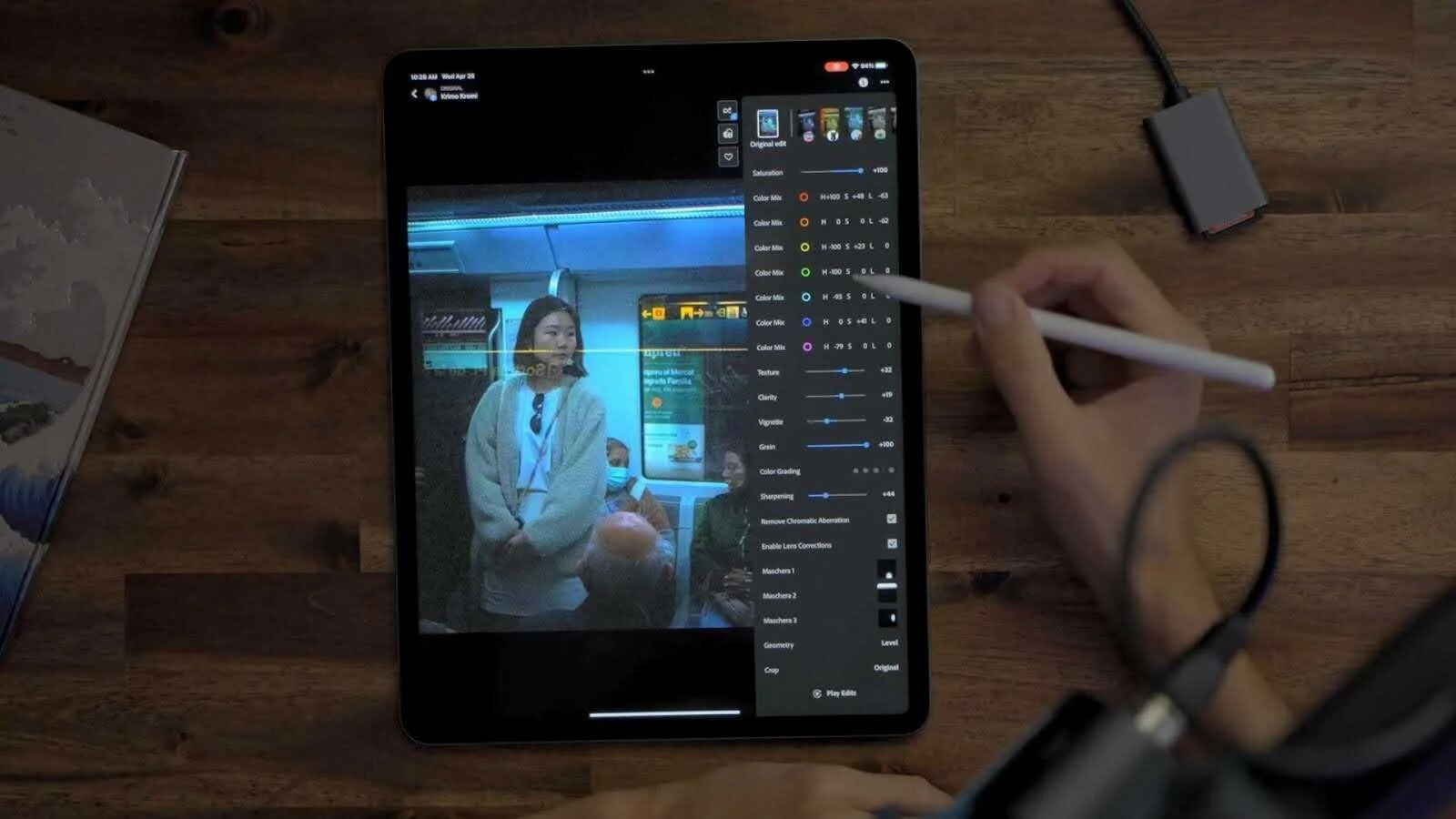
If you import photos straight from a camera or SD card, you can turn the iPad into a lightweight photo station. Many travelers shoot RAW on mirrorless bodies or DSLRs, then preview and edit files on the tablet without waiting to reach a laptop later. Lightroom and Affinity Photo are among the most popular apps that handle editing and quick exports, while the Files app organizes folders from cameras, external SSDs, and cloud accounts. That workflow keeps you reviewing shots on trains or in cafés, which helps you catch exposure issues before returning home empty-handed.
Cleanup also matters because travel photos consume storage fast. You can pack an external SSD or a simple USB flash drive, but it also helps to keep a cleaner on hand. A cleaning app like Clever Cleaner can quickly remove duplicates, similar shots, screenshots, and even compress large videos. These small actions free space before it becomes a problem and keep the iPad ready for the next set of shots without any tedious manual sorting.
3. Language Help
Translation apps feel more helpful on a larger screen, especially in noisy stations or crowded markets. Apple Translate and Google Translate handle voice, text, and camera translation, and several newer tools add AI translation that cleans up slang and awkward phrasing on the fly. The tablet displays bigger scripts and pronunciation hints you can actually read, which matters when you try to order food or ask directions in a new city.
We recommend downloading language packs and offline AI models before departure, because airport Wi-Fi often gives up when you need it most.

4. Productivity
We often see the iPad stepping in as a compact laptop for travelers. Microsoft 365, Google Workspace, Notion, and Slack handle documents and messages without dragging a full computer. Split View places reference notes beside work apps, so you edit slides or respond to clients during long transfers. Apple Pencil helps with handwritten notes and sketching diagrams, and some users attach a small keyboard to type reports without hunting for desk space. Tasks you usually delay until you reach a hotel suddenly happen on a train or in a café.
5. Communication
FaceTime, Zoom, Discord, and WhatsApp run video calls that look cleaner than phone-size windows, and we often switch to an iPad during family calls so everyone fits in frame. Messaging apps keep conversations tidy, and email feels easier to manage when you see full threads at once. If you carry an iPad with Wi-Fi only, most calls still work from airports and hotels without mobile data, and that setup avoids roaming costs that jump with every border.

6. Art Creation
For 2D work, apps like Procreate, Adobe Fresco, Affinity Designer, or lighter tools such as Tayasui Sketches and ArtRage Vitae cover pretty much every style. Quick ink lines for a street scene, loose colour studies of a sunset, vector logos for a client, or a polished poster for your own side project. Apple Pencil support makes strokes feel closer to real pens and brushes, so sketch sessions on the road stay fast and precise instead of clumsy.
3D artists and designers get even more out of the hardware. ZBrush for iPad brings the sculpting workflow into a touch-first space, so you build high-detail models with brushes you already know. Nomad Sculpt offers a lighter option that still gives you dynamic topology and a PBR renderer, which feels wild on a tablet you carry onto a plane. If you work in product design or engineering, Shapr3D and AutoCAD on iPad let you review CAD models, adjust dimensions, or sketch new parts with precise measurements and then sync back to a desktop.
One travel reality check: creative files are easy to lose when you bounce between airports, and spotty Wi-Fi. We recommend simple backups before you leave (iCloud Drive, an external SSD in the Files app, or at least a manual export of your current projects). iPad recovery software can sometimes help if something gets deleted or an app goes sideways, but in our experience, backups beat recovery every time.
7. Books & Movies
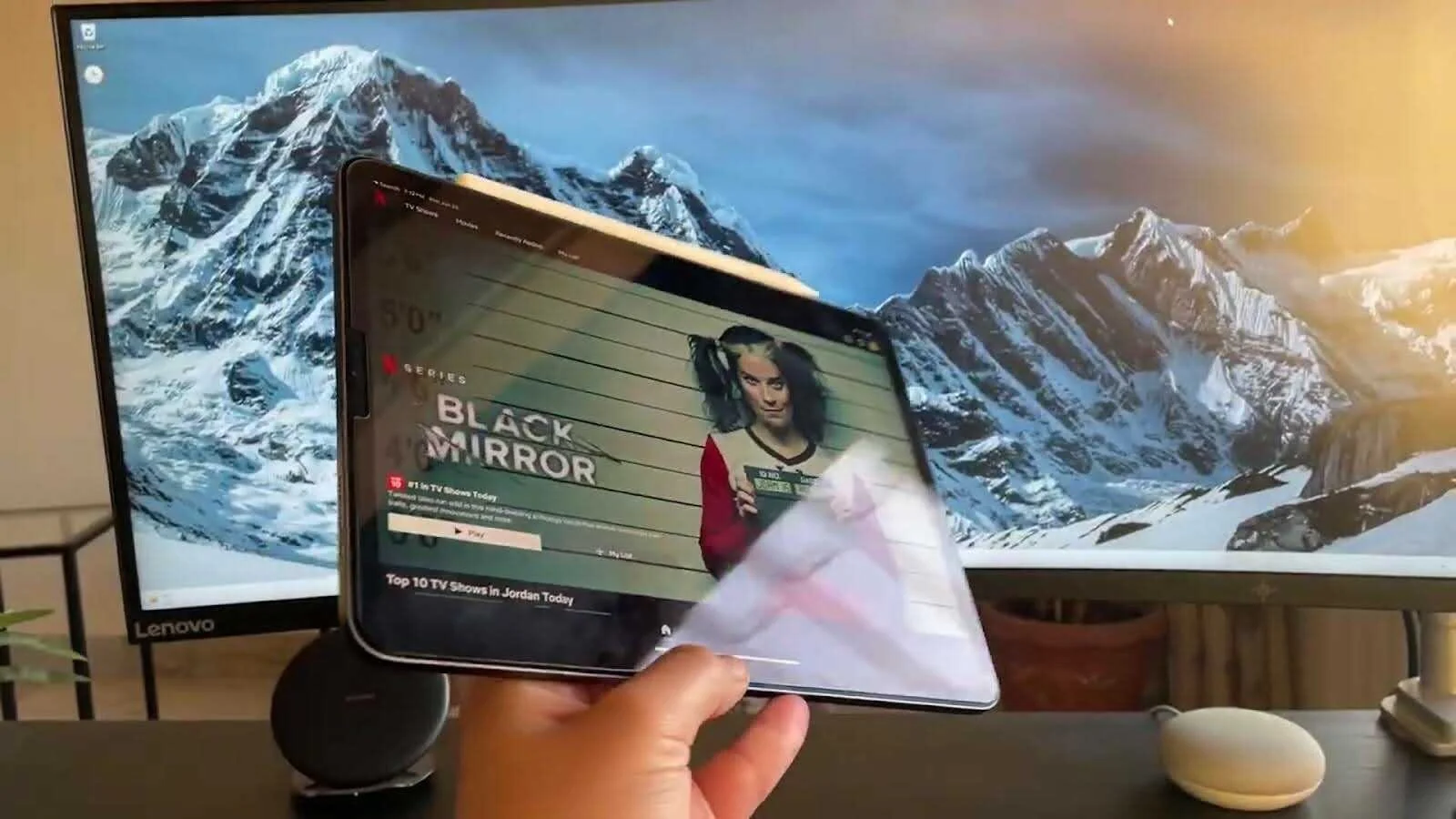
We’ve found the iPad to be great for flights and downtime in hotel rooms when there is nothing on TV to watch. Streaming apps such as Netflix, Disney+, YouTube, and Amazon Prime Video let you download shows, so you can easily watch your favourites even if you use an iPad with wifi only.
For reading, Kindle and Apple Books give you proper page layouts, larger fonts, and a calmer visual experience than scrolling news on a phone. We recommend storing travel guides, saved articles, and PDFs inside Pocket or Books before boarding, because hotel WiFi remains wildly inconsistent.
Honestly, you end up reading more than planned just because everything sits one tap away. For added security and unrestricted access while traveling, consider using a VPN on your iPhone and iPad. It helps protect your data on public WiFi and ensures your favorite content stays accessible wherever you go.
8. Gaming
Travel gets dull in strange pockets of time, and gaming apps fill the silence without needing a console. Apple Arcade offers premium titles with no ads, and bigger screens make strategy games, puzzlers, and platformers more watchable during flights.
Offline modes in many games keep you occupied when connections disappear. We suggest downloading a few titles before leaving home, just in case hotel Wi-Fi goes silent again.
9. Journaling
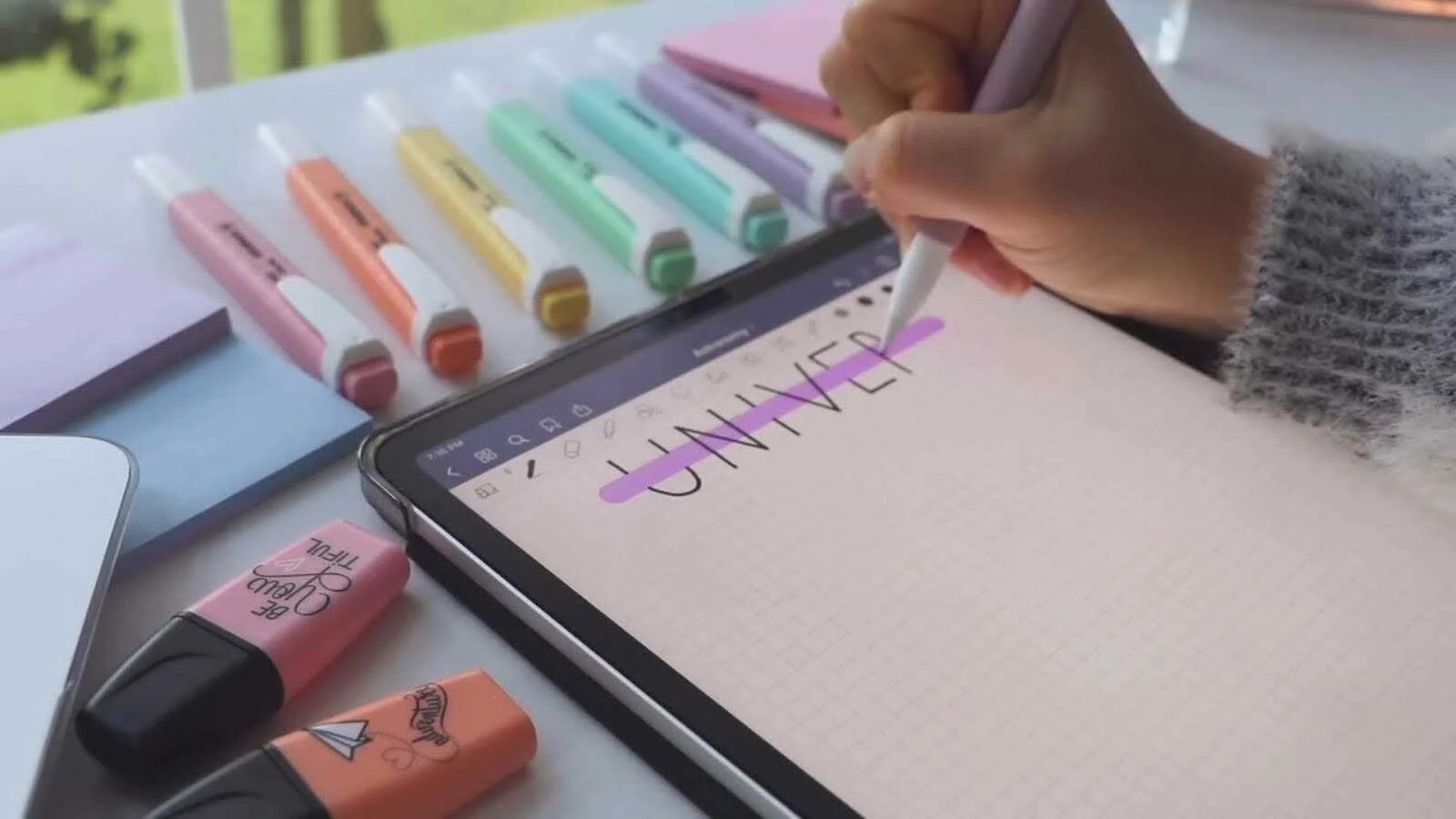
Some travelers like to keep notes, others sketch moments instead. The iPad handles both in one place. Day One, Notion, Good Notes, and Apple Notes store thoughts, photos, location tags, and voice entries, so you capture details before they fade. Apple Pencil turns the tablet into a handwriting notebook, and we think personal travel logs become easier to maintain when you don’t shuffle paper journals through airports.
10. Kids’ Education & Entertainment
Parents often look for something to keep children calm during long transfers. We recommend educational apps like Khan Academy Kids and Duolingo, if you want to add learning to the mix.
For entertainment, Disney+ and Netflix keep movies ready for quiet hours. Offline downloads reduce data stress, and guided access lets you lock the screen to a single app, which stops tiny hands from opening your email.
How to Make Your Own iPad Travel Setup
The travel setup doesn’t need to turn into a shopping spree for travel gadgets. You don’t need every accessory on the market, and honestly, most trips require only a few smart additions. This is true no matter which best iPad for travel pick you end up with. Just think carefully about what you’re going to use it for and plan accordingly:
Like any device, your iPad needs protection. A slim case with a stand keeps the tablet safe and lets you watch movies without holding it for hours. We recommend a screen protector too, since metal zippers scratch glass quite fast.
Don’t forget to pack a compact USB-C charger with a cable and power bank. Smaller GaN chargers save space in your bag, and a lightweight power bank keeps the tablet running during long trains or airport delays
If you want to use your iPad as a small laptop for writing or journaling, consider Apple Magic Keyboard or similar products from other brands.
For artists, we of course recommend the Apple Pencil, a must have for anyone who wants to draw on an iPad. While it can be costly, especially if we are talking about the Pro version, it’s a great investment in the long run. There are cheaper competitors and many of them work fine for note-taking or casual sketching, but they usually lack pressure sensitivity and tilt support that artists usually seek.
A good pair of headphones or AirPods makes flights quieter and helps you watch movies without sharing every sound with the row behind you. Before you leave, preload offline maps, download shows, clear old files, and update the apps you rely on most. Charge every device the night before and keep the tablet in an easy-to-reach spot for security checks.
Final Tips
Before you leave to pack your bags, we want to suggest a few small tips that can make a big difference. Turn on Find My and drop an AirTag into your luggage. We’ve seen these little trackers save people hours of stress when a bag wanders off or a device gets misplaced. We also think iPads work surprisingly well with travel eSIM plans, and even Wi-Fi-only models stay connected through a cheap eSIM on your phone or a small portable hotspot.
We hope your trip runs smoothly and your iPad ends up being the quiet travel buddy that makes each day a bit easier!